8. For residents: make your rotation wishes
This page is for residents. Your coordinator may send you its link. It stands on its own.
When: when your wish email arrives, until its deadline. About 5 minutes. You need: the email, and the address it came to.
On this page
What the planner is
Your programme plans each year's postings on roster.sg's rotation planner. Before planning, it asks each resident for their wishes. You rank your own. The planner tries to grant them within the programme's rules, the Curriculum and each department's places. It also evens out the wishes granted within each year group.
What arrives by email
- The invitation comes from roster.sg rotation wishes (wishes@roster.sg). Its subject starts [roster.sg] Your rotation wishes for AY 27/28, please make them by, then the deadline.
- It carries no link. Go to roster.sg yourself.
- Reminders come only while you have no wishes yet.
- When the round closes, a closing email tells you.
- No email carries your name.
Sign in
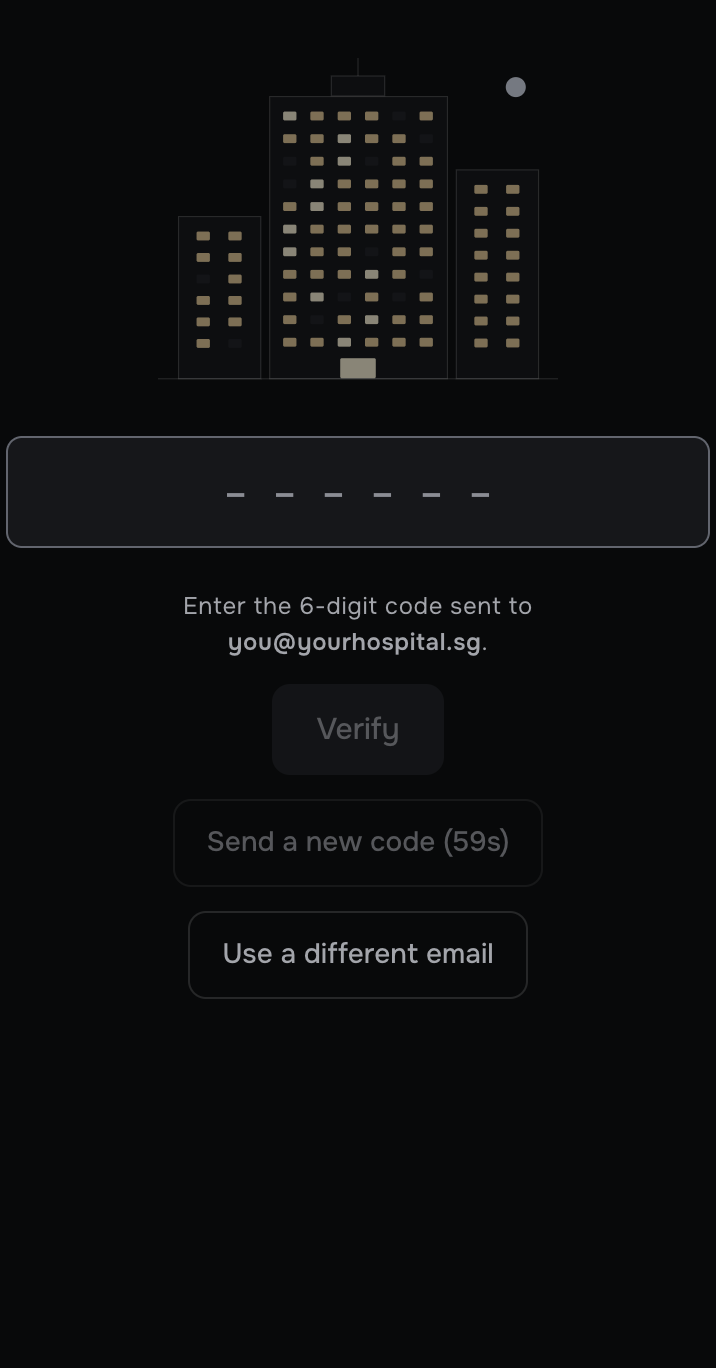
- Go to roster.sg and press Sign in.
- Type the address the email came to, and press Send code.
- Type the six-digit code from the new email. It lasts 10 minutes. The page goes on by itself at the sixth digit; if it does not, press Verify.
Your own page opens. It is the only page you can see.
Your page
- Your name, and your year group in the round's year, such as R2 in AY 27/28. If you start R1 next July, it reads, for example, R0, R1 from July 2027.
- Your wish points, such as Wish points: 183 so far, 50 expected for AY 26/27: the points of the years that have ended, and this year's, which count once it ends. A granted first wish is worth 100, a second 50, a third 33, and so on, and every later year's planning weighs your points so far (see How your wishes are weighed).
- Your figures: Completed postings, Pending compulsory with what you still owe, and Pending elective.
- Your record, year by year. A posting marked Failed shows in red with the word Failed, and a line under its year, such as Cardiology at NHC, blocks 4 to 6: Failed, to be done again. It counts for nothing: it is not in Completed postings, and it is back under Pending compulsory.
- Wishes for AY 27/28, with Open until and the deadline.
- Sign out, at the foot of the page.
Make your wishes
Make a wish and see it join the list (24 s). The clip shows a coordinator's screen; your page has the same wish builder.
Before you start: if you request a posting you must do anyway, name the hospital too. Without the hospital, that wish cannot earn points.
- Under Wishes for AY 27/28, press Make a wish.
- Pick Request a posting or Avoid a posting.
- Pick the specialty, then the length, the hospital and the period. A part left as any duration, any hospital or any period matches anything.
- Press Add this wish. It is kept at once.
- Add more wishes the same way. Put your first choice first: press Up or Down to move a wish.
If this goes wrong: Add this wish waits until the wish can work. Until then, a sentence under the wish says why, such as That specialty is complete already. Change the parts until you can add it.
Change your list until the deadline
- To change a wish, press its sentence, change it, and press Save this wish.
- Up and Down move a wish. Remove takes it off at once.
- You can change your list until the deadline, while the round is open.
How your wishes are weighed
- A granted first wish is worth 100 points, a second 50, a third 33, then 25, 20, 17 and 14.
- A wish counts only when every part you named is met.
- To avoid a hospital, pick Avoid a posting, then any specialty and the hospital. It earns a share for each block clear of that hospital.
- The planner also evens out points within each year group. It counts points from earlier years, so a resident who did well last year gets less priority this year.
After the deadline
Your page says Closed on and the date. Your list reads only, and it is the one used. For a change, contact your coordinator.
Good to know
- If your page says This round is not yours: it is for the residents who will be in the programme in AY 27/28., you are not in this round, for example because you are expected to graduate first.
- Sign out is at the foot of your page. On a shared phone or computer, press it when you finish.
- Only you and your programme's coordinators see your wishes. Other residents cannot.
- Under Earlier years, your past lists show how each wish turned out, once that year is filed.